Which Cloud Gaming Services Support Genshin Impact in 2026? Full Guide
Discover what cloud gaming service has Genshin Impact with this 2026 guide—GeForce NOW, Xbox Cloud Gaming, and Boosteroid offer seamless play.
If you're wondering what cloud gaming service has Genshin Impact, the short version is pretty simple: as of 2026, you can officially play it through Nvidia GeForce NOW, Xbox Cloud Gaming, and Boosteroid. Those are the three real options right now, and each one fits a slightly different kind of player. Some are better if you want the cheapest way in, some are better for TV play, and some just feel smoother depending on where you live.
That’s really the key here. The “best” service depends less on the game itself and more on your setup, your region, and whether you care most about price, convenience, or performance. If you just want the fastest answer upfront, GeForce NOW is the strongest all-around pick for most players, Xbox Cloud Gaming is excellent for couch gaming, and Boosteroid works best as a solid alternative in supported regions.
Introduction
For a lot of Travelers, cloud play is the easiest way to keep exploring Teyvat without needing a gaming PC, a console, or a big local install. Maybe you're on a low-end laptop, maybe you're traveling, or maybe you just want to log in quickly from whatever screen is nearby. In all of those cases, cloud gaming can be a genuinely practical option.
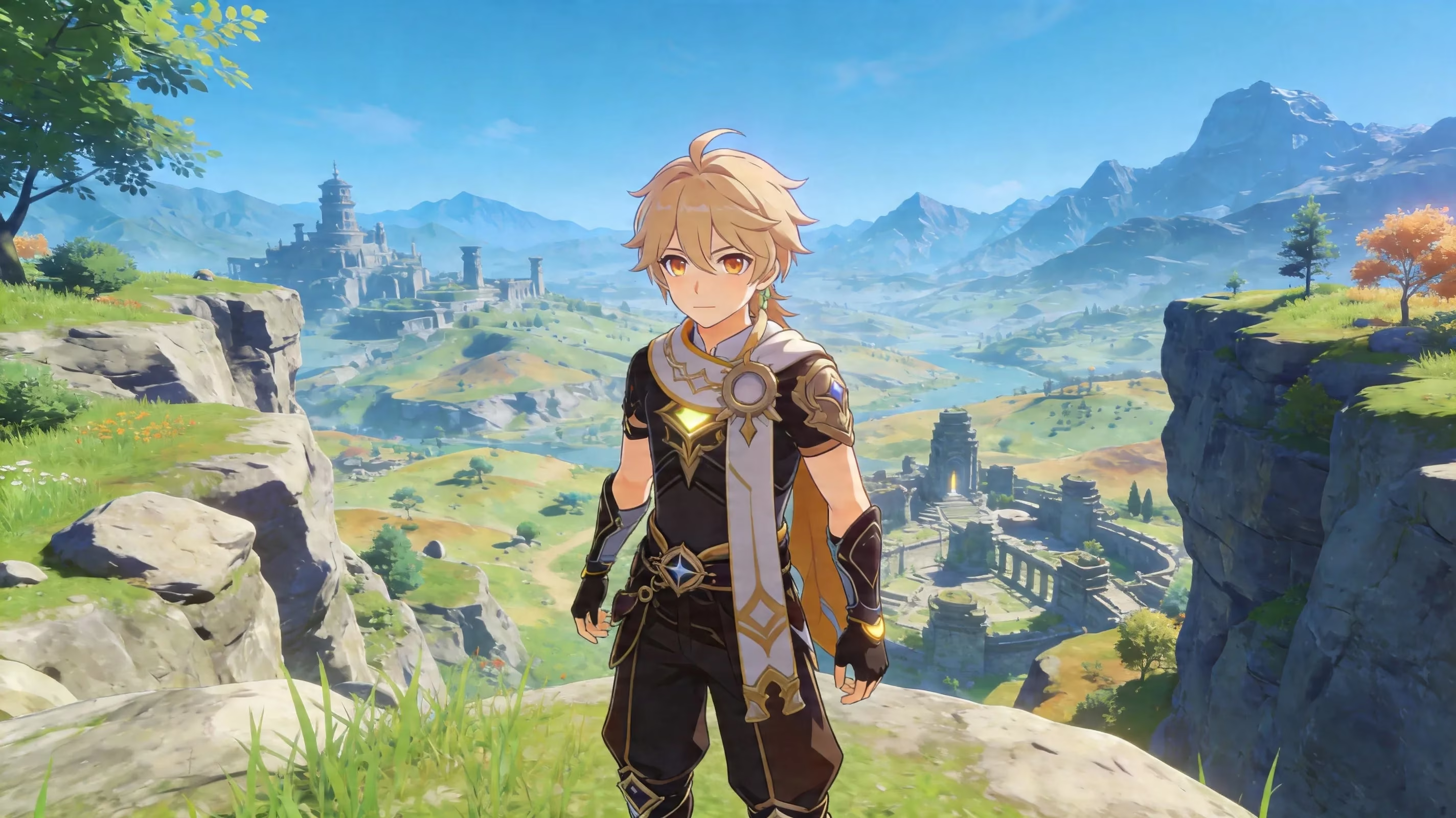
This guide breaks down which cloud gaming services support Genshin Impact in 2026, what they cost, what the trade-offs look like, and which one makes the most sense for your playstyle. We’ll also go over setup basics, cross-save rules, and a few performance tips so you know what to expect before you jump in.
What Cloud Gaming Service Has Genshin Impact
As of 2026, GeForce NOW, Xbox Cloud Gaming, and Boosteroid officially support Genshin Impact. That’s the current availability snapshot, and it narrows the field pretty quickly.
A few other cloud platforms exist, of course, but they do not currently include Genshin Impact in their supported libraries. So if your search is specifically “what cloud gaming service has Genshin Impact,” these three are the only answers that matter right now.
| Service | Genshin Impact Available | Free Tier | Max Resolution | Subscription Required |
|---|---|---|---|---|
| GeForce NOW | Yes | Yes (1-hour sessions) | 1440p / 120 FPS | Optional (Priority/Ultimate) |
| Xbox Cloud Gaming | Yes | No | 1080p / 60 FPS | Game Pass Ultimate ($16.99/mo) |
| Boosteroid | Yes | No | 1080p / 60 FPS | Paid plans only |
| Amazon Luna | No | — | — | — |
| Shadow PC | No | — | — | — |
| PlayStation Cloud | No (Genshin not in catalog) | — | — | — |
That also means official support matters. GeForce NOW, Xbox Cloud Gaming, and Boosteroid all provide direct, legitimate access paths. You’re not relying on awkward workarounds, remote desktop tricks, or unsupported installs that may break later.
One thing you should still keep in mind is that cloud catalogs and regional availability can change. A service may support Genshin globally in theory, but your actual experience depends on whether the platform has stable server coverage in your area. Region locks, rollout delays, and queue congestion are still very real.
GeForce NOW
GeForce NOW is still the easiest recommendation for most players. It has the broadest device support, the highest performance ceiling, and—crucially—the only real free tier among the major options.
Here’s how the pricing works:
-
Free tier: 1-hour sessions, standard queue priority
-
Priority tier: $9.99/month, longer sessions and stronger hardware allocation
-
Ultimate tier: $19.99/month, RTX 4080-class servers with up to 1440p and 120 FPS, plus ray tracing support where applicable
That free tier is a big deal. If you just want to test whether Genshin cloud play feels good on your connection, GeForce NOW lets you do that without paying first. The catch, obviously, is queue time and the one-hour session cap.
Device support is also one of GeForce NOW’s biggest strengths. You can use it through Chrome or Edge, dedicated Windows and macOS apps, Android and iOS devices, Smart TVs, and Nvidia Shield. So if you bounce between a laptop, tablet, and TV, this is pretty much the most flexible setup available.
In actual use, GeForce NOW usually lands around 30–50ms of input latency in North America and Europe with a stable connection. For exploration, commissions, domains, events, and most boss fights, that’s more than playable. Even tougher content is manageable, though if you’re trying to squeeze perfect Abyss clears, you’ll still notice the difference compared to native play.
The login process is straightforward too. GeForce NOW runs Genshin through HoYoverse’s standalone PC launcher, so you just sign in with your existing HoYoverse account. No weird extra linking step, no separate purchase requirement, and cross-save works naturally because your progress is stored on HoYoverse’s side.
Xbox Cloud Gaming
Xbox Cloud Gaming is a very different value proposition. It doesn’t have a free tier, and access is locked behind Xbox Game Pass Ultimate, which costs $16.99 per month. But if you already have Ultimate, Genshin Impact is right there in the cloud catalog, which makes the whole process extremely convenient.
Unlike GeForce NOW, you don’t need to launch the game through a separate PC client. You just open Xbox Cloud Gaming and stream it directly from the Game Pass library. That simplicity is a real plus, especially for players who want something more plug-and-play.
Performance tops out at 1080p / 60 FPS, so it’s not chasing GeForce NOW’s higher-end visual ceiling. Still, for most players, that is completely fine. Genshin doesn’t suddenly become unplayable at 1080p, and for story content, exploration, and daily farming, the experience is generally smooth enough.
Latency usually falls in the 40–60ms range depending on your distance from Microsoft’s servers. Coverage is strong across North America, Europe, and some Asian regions, though less-supported areas can be a bit hit-or-miss.
Where Xbox Cloud Gaming really stands out is TV support—especially through Amazon Fire TV. If you have a compatible Fire TV Stick or Fire TV Cube, you can install the Xbox app, pair a Bluetooth controller, and start playing on a television without owning an Xbox console. Honestly, that’s one of the cleanest couch-gaming setups available for Genshin right now.
There’s also a nice side benefit for Game Pass Ultimate users: Microsoft has periodically offered in-game bonuses for Genshin Impact, tied to version updates and promotions. They’re not enough to justify the subscription by themselves, but if you’re already in the Xbox ecosystem, they’re a nice extra.
Boosteroid
Boosteroid is the third official option, and while it doesn’t get as much attention as GeForce NOW or Xbox Cloud Gaming, it’s still a legitimate way to play Genshin Impact through the cloud. It started out with a stronger European focus, and that still shows in where it tends to perform best.
The service supports Genshin Impact through its official catalog and works across browsers on Windows, macOS, Android, and iOS, along with some Smart TV support. So from a device standpoint, it covers the basics well enough.
In terms of performance, you’re generally looking at 1080p / 60 FPS. For players in supported regions—especially Europe, North America, and parts of Southeast Asia—latency can be competitive. The trade-off is server distribution. Boosteroid’s infrastructure isn’t as broad as Nvidia’s, so if you’re farther away from one of its data centers, the experience can get less consistent.
The login flow is similar to GeForce NOW. Once you’re inside the Boosteroid interface, you sign in with your HoYoverse account and play from there. Progress sync behaves the way you’d expect because, again, your save data lives with HoYoverse.
Boosteroid makes the most sense if you’re in a region where it performs well, or if GeForce NOW queues are getting annoying during peak hours. Pricing is usually competitive too, though there’s no meaningful free option beyond limited trial-style access. So it’s harder to recommend as a first test platform unless you already know it works well in your area.
Genshin Impact Cloud Gaming Service Comparison
Raw specs only tell part of the story. Price, queue times, account handling, and day-to-day stability matter just as much when you’re deciding where to play.
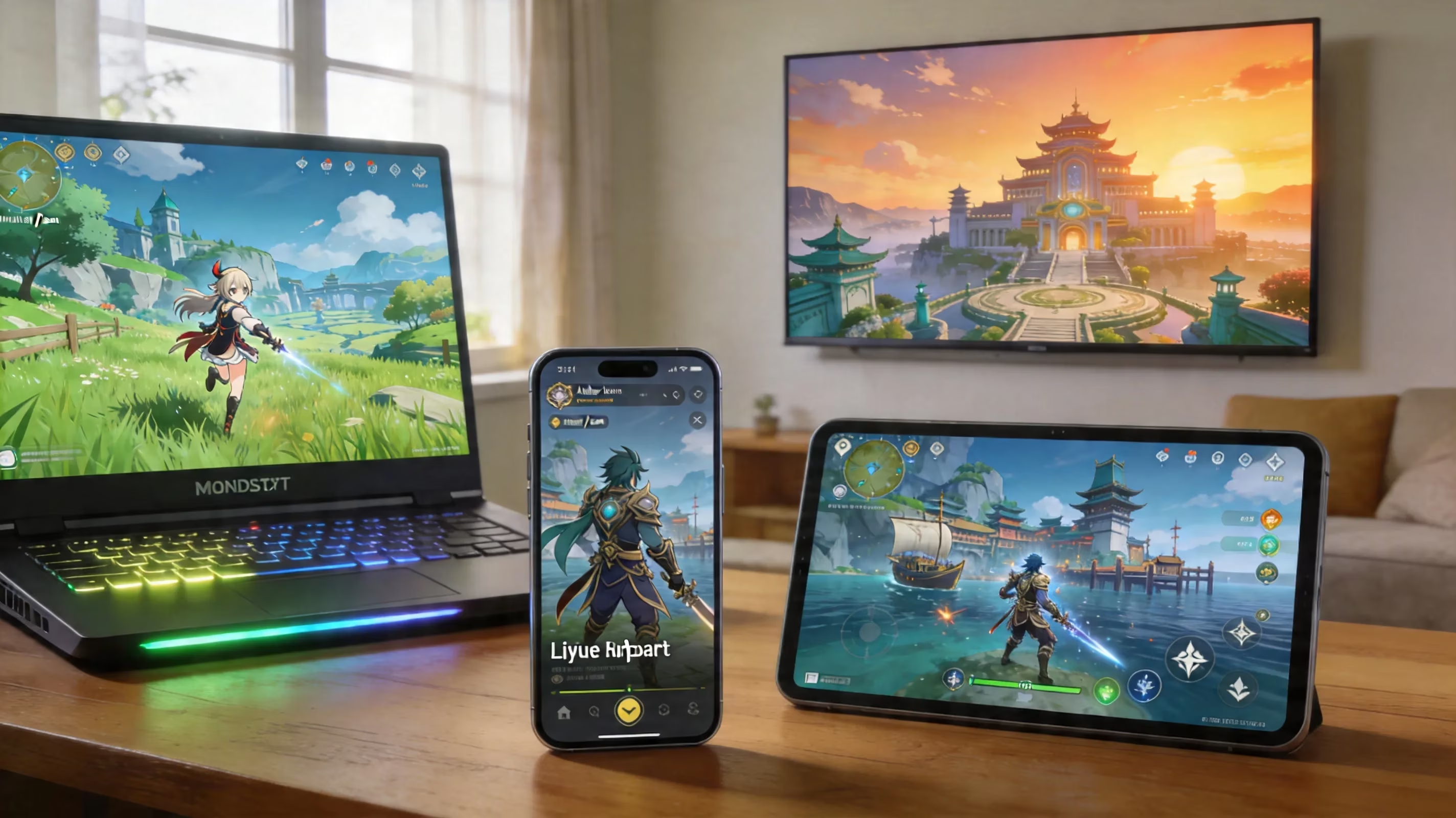
Here’s the quick comparison:
| Criteria | GeForce NOW | Xbox Cloud Gaming | Boosteroid |
|---|---|---|---|
| Price | Free / $9.99 / $19.99/mo | $16.99/mo (Game Pass Ultimate) | Paid plans (varies by region) |
| Max Resolution | 1440p / 120 FPS | 1080p / 60 FPS | 1080p / 60 FPS |
| Free Option | Yes (1-hour sessions) | No | No (trial only) |
| Device Breadth | Widest (browser + apps + TV) | Broad (browser + Fire TV + mobile) | Good (browser + Smart TV) |
| Input Lag (avg.) | 30–50ms | 40–60ms | 40–60ms |
| HoYoverse Account Sync | Direct login | Direct login | Direct login |
| Best For | Performance-focused play | TV/couch setup, Game Pass users | European players, budget |
If you care most about image quality and responsiveness, GeForce NOW is clearly ahead. If your priority is playing on a TV with minimal setup, Xbox Cloud Gaming has a very strong case. Boosteroid sits in that middle ground where it can be a smart pick regionally, even if it’s not the default recommendation globally.
Account linking is refreshingly simple across all three. Since Genshin Impact stores your progression on HoYoverse’s servers, your Adventure Rank, characters, Primogems, quests, and overall save state stay synced whether you switch between cloud, mobile, PC, or console. That’s a huge plus for a game built around long-term progression.
There is one caveat worth calling out: players who started on PlayStation may run into wallet-related limitations outside Sony’s ecosystem. Cross-save itself works, but some purchases and currency behavior don’t always carry over the same way when you move to another platform.
Best Cloud Gaming Service for Genshin Impact
If you just want the recommendations without overthinking it, here’s the practical breakdown.
Best overall recommendation
GeForce NOW is the best overall cloud gaming service for Genshin Impact. It gives you the highest streaming ceiling, the broadest device support, and the option to test the game for free before committing to a subscription.
The Priority and Ultimate tiers are where it really shines. If your local hardware struggles with Genshin, being able to stream at up to 1440p and 120 FPS is a massive quality-of-life upgrade. For most players, this is the safest all-around pick.
Best free option
This one is easy: GeForce NOW free tier.
You’ll have to deal with 1-hour session limits and possible queue times, especially during busy hours, but it’s still the only major service currently offering Genshin Impact cloud access without a monthly fee. If you’re just testing cloud play or only log in for quick dailies, that can honestly be enough.
Best TV couch setup
Xbox Cloud Gaming via Amazon Fire TV is the best couch-gaming solution.
A compatible Fire TV Stick 4K Max or Fire TV Cube, the Xbox app, and a Bluetooth controller are basically all you need. No console required, no gaming PC required, and setup is pretty painless. If you already subscribe to Game Pass Ultimate, this is an especially strong option.
Best for low-end laptops
All three services can help if your laptop can’t run Genshin natively, but GeForce NOW has the edge again.
Its browser mode is especially forgiving on older machines because the local device is mostly just decoding a video stream. Even a laptop with integrated graphics from several years ago can usually handle that just fine, assuming your internet connection is stable.
Genshin Impact Cloud Gaming Setup Guide
Getting started is pretty straightforward, but a little prep goes a long way. Before your first session, make sure your HoYoverse account is properly set up and secured. That means using an email-linked login and enabling two-factor authentication if you haven’t already.
This matters because your HoYoverse account is the center of everything. Whether you’re playing natively on PC, on mobile, or through a cloud service, that same login is what keeps your progress connected.
Here’s the basic setup checklist:
-
Confirm your HoYoverse account details
-
Use the same account you already play on
-
Make sure your email is verified
-
Turn on two-factor authentication for account security
-
Choose your input method
-
Controller support works across all three services with an Xbox Wireless Controller or another Bluetooth gamepad recognized as an XInput device
-
Keyboard and mouse work on GeForce NOW and Boosteroid through browser or desktop clients
-
Fire TV via Xbox Cloud Gaming is realistically a controller-only setup
-
Pick your device path
-
Browser on laptop or desktop
-
Mobile phone or tablet
-
Smart TV or streaming device
-
Fire TV for Xbox Cloud Gaming specifically
-
Run a quick network check
-
Make sure your connection is fast and stable before starting a long session
For Fire TV specifically, the path is simple: plug in the device, install the Xbox app, sign into your Game Pass Ultimate account, pair a Bluetooth controller, and launch Genshin Impact from the cloud catalog. It’s one of the least complicated living-room setups available right now.
Cross-Save and Platform Rules
Genshin Impact uses HoYoverse’s unified account system, which is why cross-save works so well across PC, mobile, PlayStation, and cloud platforms. Once you sign in on a new service, that session is usually remembered for future launches.
The important part is using the same HoYoverse account everywhere. If you accidentally create a fresh account through a platform-specific login flow instead of linking to your existing HoYoverse ID, you can end up loading into a brand-new save. That mistake is more common than it should be, so it’s worth double-checking before you start.
There’s also the usual PlayStation caveat. If you buy Genesis Crystals or other content through the PlayStation Store, those wallet entitlements stay tied to Sony’s ecosystem. Your characters, quests, and progression still sync normally, but the shop side of things can behave differently once you move to GeForce NOW, Xbox Cloud Gaming, or another non-PlayStation platform.
For everything else, sync is clean. Mobile, PC, and Xbox cloud sessions share progress without restriction.
Genshin Impact Cloud Gaming Performance Tips
Cloud gaming lives or dies by connection quality. Raw download speed matters, sure, but it’s not the whole story. A stable 25 Mbps line with low jitter and low packet loss will usually feel better than a messy 100 Mbps connection that keeps fluctuating.
For a smoother session, these are the numbers you should aim for:
| Setting | Recommended |
|---|---|
| 1080p / 60 FPS | 15 Mbps minimum |
| 1440p streaming | 35 Mbps or higher |
| Ideal ping | Under 20ms to the nearest server |
| Best connection type | Ethernet |
| Best Wi-Fi band | 5 GHz |
If you can use Ethernet, do it. It’s still the easiest way to reduce stutter, random frame drops, and those annoying moments where the image suddenly turns muddy mid-fight.
If Wi-Fi is your only option, use 5 GHz instead of 2.4 GHz whenever possible. It usually gives you lower interference and more stable latency. You’ll also want to stay reasonably close to the router and avoid hammering the network with other heavy traffic while you play.
On GeForce NOW, it can actually help to lower the bitrate cap a little instead of maxing everything out. In a lot of cases, 1080p with a stable bitrate looks and feels better than trying to force 1440p on a connection that’s barely holding on. If you start seeing macro-blocking, image breakup, or tearing, that’s usually your sign to dial things back.

As for gameplay expectations, cloud works very well for:
-
Open-world exploration
-
Daily commissions
-
Story quests
-
Event content
-
Most domains and bosses
Where things get trickier is Spiral Abyss, especially upper-floor clears where timing matters more. That extra 40–60ms of latency can make dodges feel a little tighter and burst rotations slightly less consistent. If you’re pushing for highly optimized Abyss runs, native play is still better. For basically everything else, cloud is more than serviceable.
Conclusion
So, what cloud gaming service has Genshin Impact in 2026? The confirmed options are GeForce NOW, Xbox Cloud Gaming, and Boosteroid. If you want the fastest recommendation, GeForce NOW is the best overall pick thanks to its free tier, stronger performance, and wide device support.
Xbox Cloud Gaming is the one to look at if you want the cleanest TV setup, especially through Fire TV and Game Pass Ultimate. Boosteroid, meanwhile, is a solid alternative—particularly for players in regions where it has strong server coverage and competitive pricing.
Cloud play makes the most sense if you’re on low-spec hardware, away from your main setup, or just want the flexibility to jump into Teyvat from different screens without installing the game everywhere. If your main focus is high-end Abyss optimization or you’re dealing with strict data caps, native play is still the better fit. For everyone else, cloud gaming is a genuinely practical way to keep your Genshin Impact routine going.